

CCleaner 6.2
Сlean up your PC, optimize performance, and maintain your online privacy
Program info
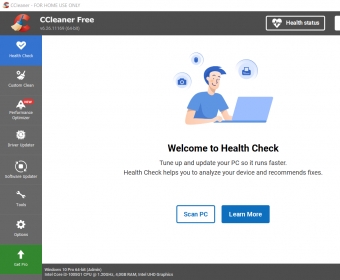


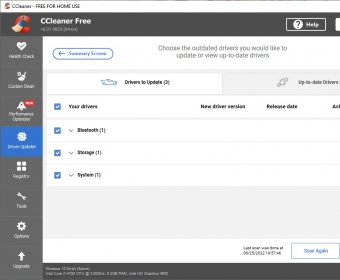

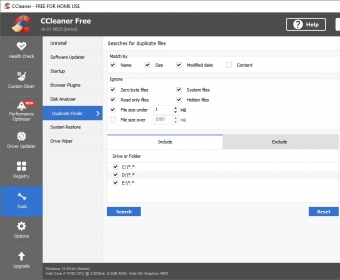
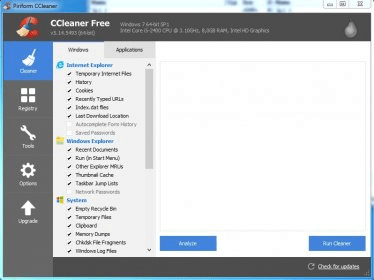

CCleaner for PC helps you clean up your Windows computer, optimize performance, and maintain your online privacy. CCleaner's Driver Updater helps improve performance of your PC's graphics, sound, and internet connectivity while preventing software bugs, hardware problems, and crashes. CCleaner's Health Check analyzes your PC and recommends quick fixes, then automatically tries to tune and update it so it starts and runs faster, and is more secure. Outdated apps are a security risk. Old software can have vulnerabilities, which are quickly discovered and shared amongst cyber criminals. CCleaner helps update your software automatically to close security holes before they can be found. Temporary browsing data, cookies, and trackers aren’t just a privacy concern – they can lead to errors loading websites, too. CCleaner diligently deletes data trails from all major browsers that don’t clean up after themselves. Over time your registry can become cluttered with errors and broken settings which may lead to crashes. CCleaner’s patented registry cleaner clears out this clutter to make your PC more stable.
Details
Extensions

No information available
The data will be available later.Awards


Related stories
See all
In case you did not know, Microsoft does have a system cleaner of its own, and its latest version is good enough to rival CCleaner and other leaders of this domain.

A short guide on how to identify identical files on your Windows 10 PC and remove them to free up some more storage space.

Older computers tend to get sluggish as time goes by and if you can't afford to replace them, here's how to regain some of the speed that jas been lost over the years.



Type in Search Bar > ccleaner 6.39 download > Scroll down to SoftPortal (Download CCleaner 6.39.11548 for PC) > choose download from SoftPortal servers (EXE file). Don't download from "official site" as they only offer the new release 700. You could probably use Techspot or informer.com as well. More